Changed4
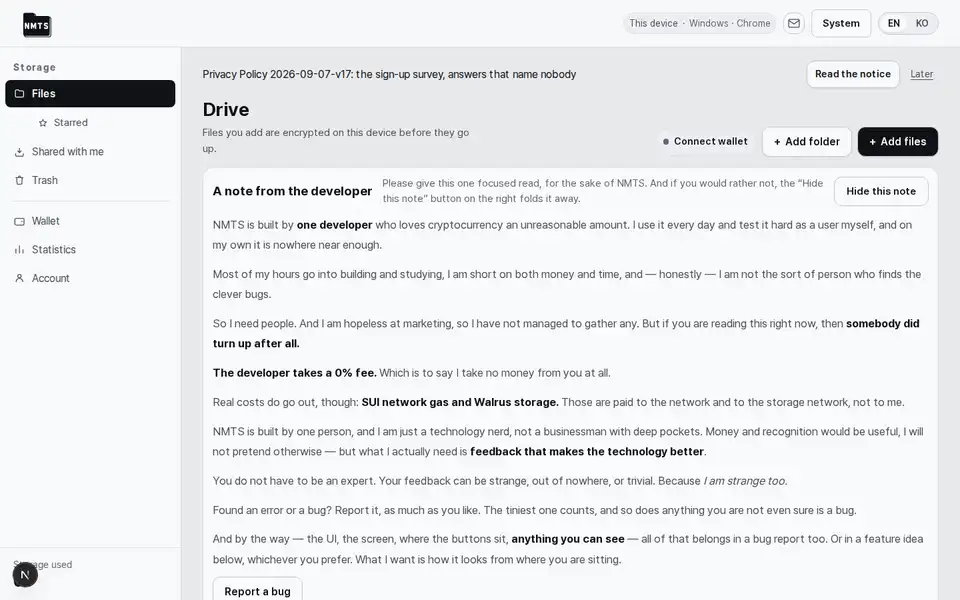
The drive screen is rebuilt: a 56px top bar with search, inbox and account; a 240px sidebar with New, places and a storage box; a crumb row with a grid/list toggle the device remembers; the developer's letter folded to one line; 200px cards or 52px rows with a ⋯ menu per file; a 320px detail pane.
The layout is the one Google Drive, Dropbox and Proton Drive share; the colours and type are the home's. The first screen's prose went from 1,450 words to about 60 and its controls from 49 to 17 (13 on a phone). Nothing was removed: per-file actions moved into the ⋯ menu, account-level settings into the settings pages, and technical detail behind developer mode. The view you pick, grid or list, stays on this device.
The account screen is split into nine settings pages: account and key, wallet and payment, storage, devices, display, notifications, developer, recovery, and the developer's letter. Old links to the account screen open settings.
One long screen became nine short ones, grouped by subject; every control is still there. The gear in the sidebar's storage box and the phone's Settings tab open them.
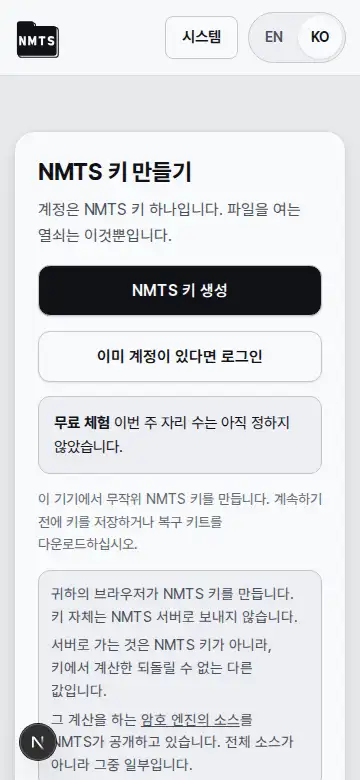
On a phone the bottom bar is Files · Starred · + · Settings · More, and the More sheet lists wallet, storage control, API keys, notifications, developer tools, stats and inbox.
Invented words across the app give way to the usual ones, and in English the storage network is called by its name, Walrus.
Fixed1
A card's ⋯ button sat over the neighbouring card and opened the wrong file's menu; entering Starred froze every click on the screen; the wallet view never reached the address bar; the drive had no page heading. All four are fixed.