Added2
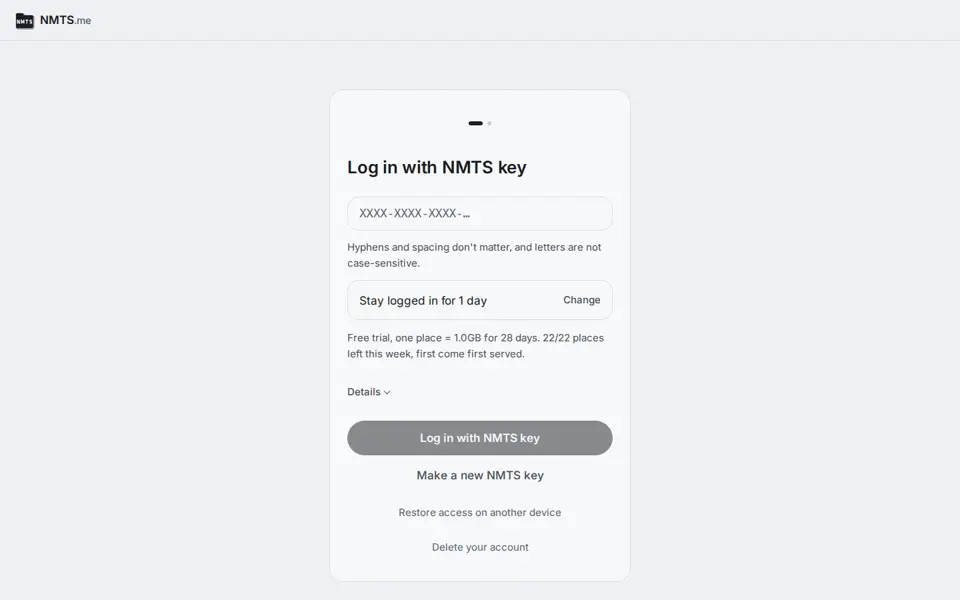
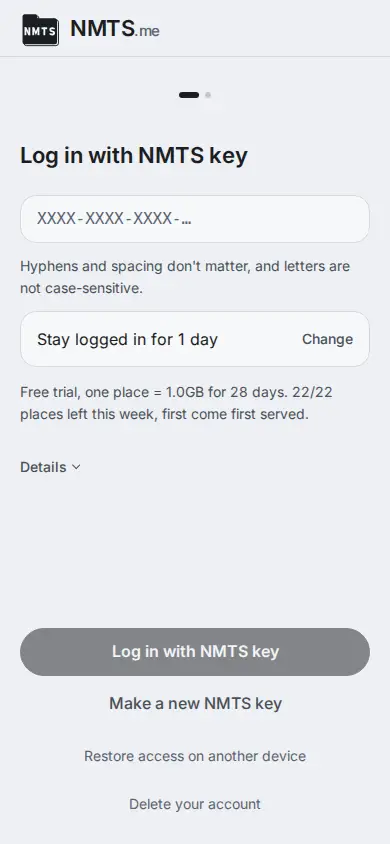
Wallet login: create an account and log in with a Sui wallet's signature, on the login and create screens, in the command-line tool and in the SDK.
The account still has an NMTS key, made at random as before, and wallet login keeps a copy of that key on the NMTS server. The copy is locked so that only your wallet's signature of one fixed message opens it; NMTS cannot open it and does not learn which wallet it belongs to. A wallet that signs the same message differently each time (an account that logs in with Google or Apple, a multi-signature account, a passkey account) cannot be used, and NMTS says why when you try. Keep the NMTS key written down: it opens the account if the wallet is lost or starts signing differently.
The account screen lists the wallets that open the account. Add one, remove one, or download a wallet recovery file.
With the wallet recovery file and your wallet's signature, the NMTS recovery program finds the NMTS key without the NMTS server. Removing a wallet stops it from logging in from then on; a wallet that has opened the account before may still know the NMTS key. One wallet and one account number open one account, and an account can have up to eight wallets.