Added1
The home carries the same FAQ structured data as the questions page, and each release can carry a two-line home summary and the screen before it.
Changed5
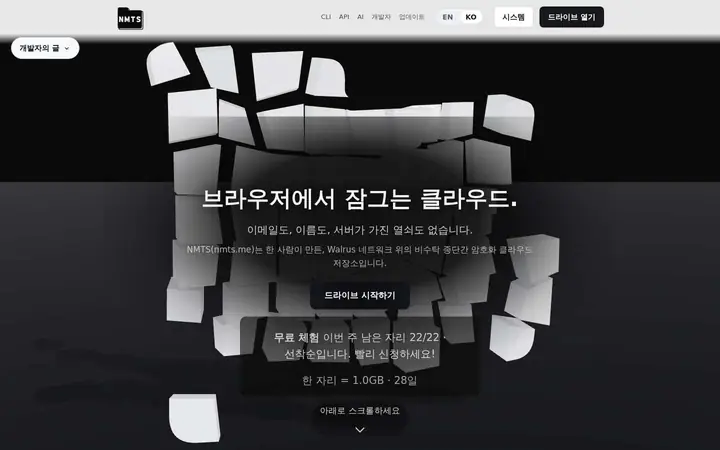
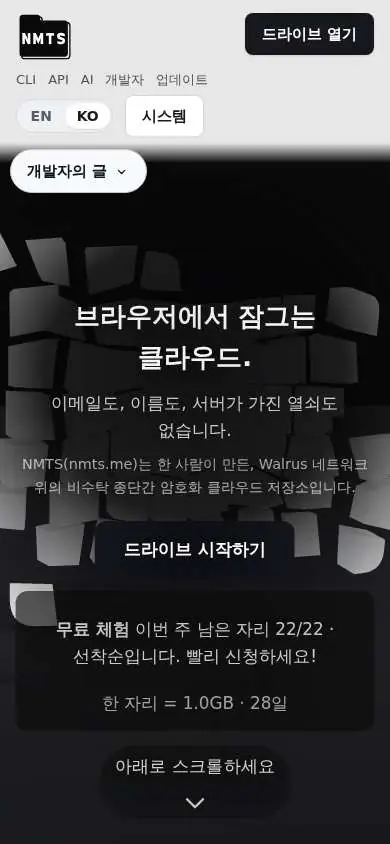
The home page was rebuilt: what only you can read, a live upload demo against a well-known cloud, four real cases, a comparison table with sources, and four paths — personal, shared, developer, AI agent.
The previous home explained the network more than the product, and the copy was written for a stage rather than for reading. The new one leads with what a person gets, every sentence is in the page HTML for people, crawlers and answer engines alike, and the four path bodies are in the page from the first byte. What it still does not do: the phone layout is the desktop's single column; a phone-specific version follows.
The header carries grouped menus — Product, Developers, Contact, Resources — plus a standalone link to the developer's answers; below 1100px it is the logo and one Menu button that opens a full-screen list.
Every place on the site — the drive, AI agents, recovery, security, the developer docs, the CLI and API, open source, bug reports, questions, UI requests, feature ideas, updates, stats, the FAQ, notices, terms — is one menu away from the first screen. The Contact rows open the inquiry screen with the category already chosen.
The design rules were re-founded: a black-and-white palette with five colours that each mean one thing (red danger, yellow caution, green gain, blue information, purple agents), three type weights, and line breaks that belong to the copy so no width adds a break of its own.
Red means danger or loss, yellow caution, green gain or safety, blue information and the network, purple agents and automation; nothing else is coloured. Weights are 400 for text, 500 for labels and emphasis, 600 for headings. Wide text blocks render the copy's own line breaks, and a check keeps every such line short enough to fit the tablet width, so a change of viewport cannot add a break the writer did not put there.
The words for the account changed: "Create NMTS key" and "Log in with NMTS key" on the header, the login screen and the account screen.
robots.txt now names nineteen search, answer, training and archiving crawlers and allows each of them everything but the self-test path; only abusive bots are outside the list.