Changed3
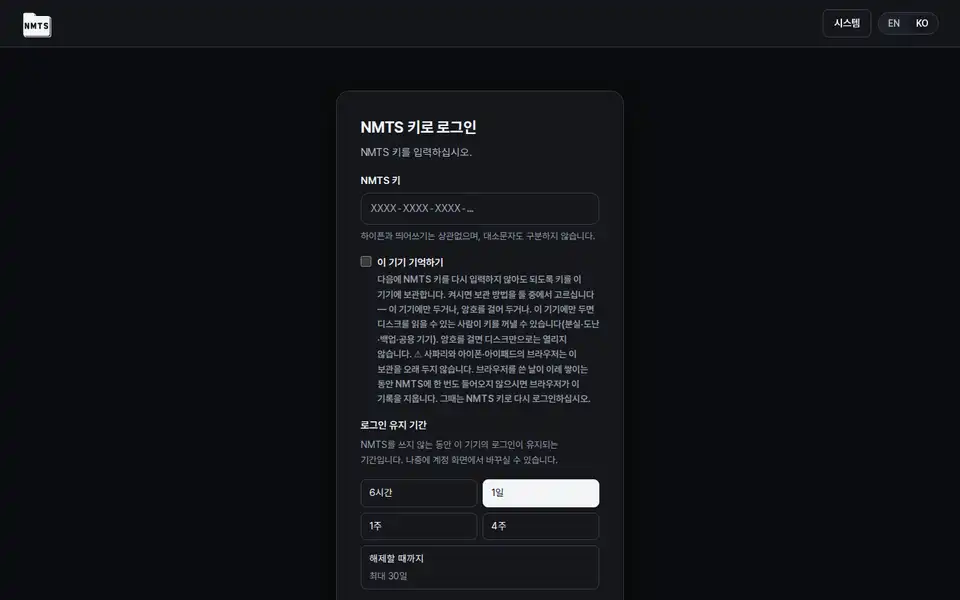
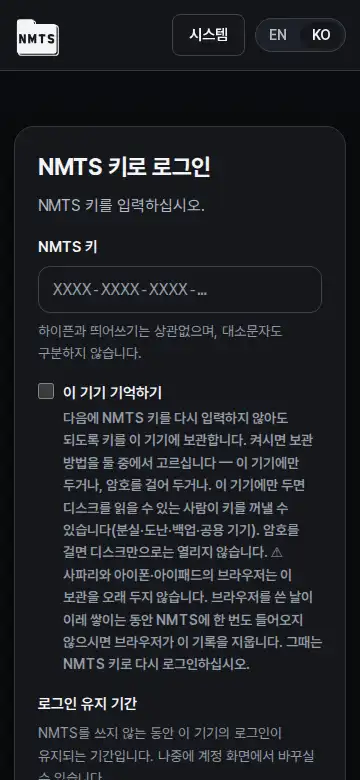
On a phone every control in the app is at least 44px: file-row buttons, place chips, view toggles, checkboxes, switches, notice buttons, upload buttons and the login screen's session presets. Ticking a file in select mode works on the whole row.
The two things a person does to a file on a phone, download and detail, were 32px targets side by side, and the account screen had 14 controls under 44px. Sizes come from the app's touch floor now, and the whole row toggles selection so the 16px checkbox is no longer the target. What it does not do: the desktop keeps its sizes.
The file detail sheet closes with Escape, takes keyboard focus when it opens and gives it back when it closes, and its title row with the close button stays put while the sheet scrolls. The bulk action bar stays under the header while files are selected.
The sheet declared itself a dialog but a keyboard user tabbed through the file rows hidden behind it, and on a phone the close button scrolled away with the content. After ticking a file far down the list the bulk bar sat off-screen above. What it does not do: Escape inside the rename field still only cancels the rename.
On a phone the delete confirmation shows both ways side by side with the explanation folded under 「Details」, notices open only the newest, updates show only the newest release's lines in full, and the drive starts with the developer's letter folded and hides the add-file button while the toolbar is on screen.
At large text the irreversible delete option was below the fold with no scroll cue, the notices page was 24,731px tall on a 390px phone, the first file on the drive was 1,300px down, and the floating add button covered the sort and view controls. What it does not do: the updates page still lists every release; only the lines of older entries are folded.
Fixed1
The account screen no longer logs a hydration error on every visit (a fold sat inside a paragraph), the file-type badge and the 「saved」 mark are 14px or more and follow your text size, and a notice card no longer cuts off a long token at large text.