Added2
A vision page: how far NMTS should go, the storage networks, the Platform, the two things that look odd, and the 0 % fee.
The page is linked from the footer and from the FAQ. The FAQ gained two answers: why NMTS suits an AI agent, and what the vision is in one paragraph. The long version is a personal statement, not company copy, and it says so at the top.
The browser's back button is an in-app back: inside a step flow it returns to the previous step with the back animation, and between screens the previous screen slides in from the left.
Each forward step leaves one history entry at the same address, so back never leaves the page by surprise. Screens you cannot return to, such as the one that shows your new key, leave no entry. Confirm dialogs, tab switches, notices, progress bars and deleted rows now animate as well.
Changed3
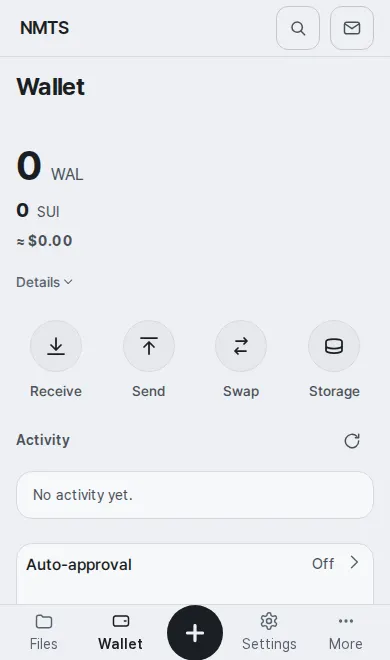
The phone's + is a 64×48 pill with a round, thick stroke, and the tab icons and labels are bigger, rounder and bolder with less empty space around them.
Icons across the app draw with a 2px stroke instead of 1.75, section titles are calmer, cards keep a little less padding on a phone, and on a dark phone boxes are closed by tone instead of a line. Nothing may render blurry: the app stylesheet no longer asks the browser for compositing layers, and a check keeps it that way.
Everything that opens over the screen closes on the browser's back button, and every bottom sheet can be dragged down from anywhere on it, not only from the thin handle.
The More and + sheets, confirm dialogs, the wallet's step sheets, the session sheet and the home's More sheet each leave one history entry while open, so back closes the top layer and leaves the screen behind it as it was. A sheet follows your finger once its list is at the top, and lets go past a quarter of its height or with a quick flick. The rows inside a sheet now use the bottom bar's sizes: 56px rows, 24px icons and one weight of label.
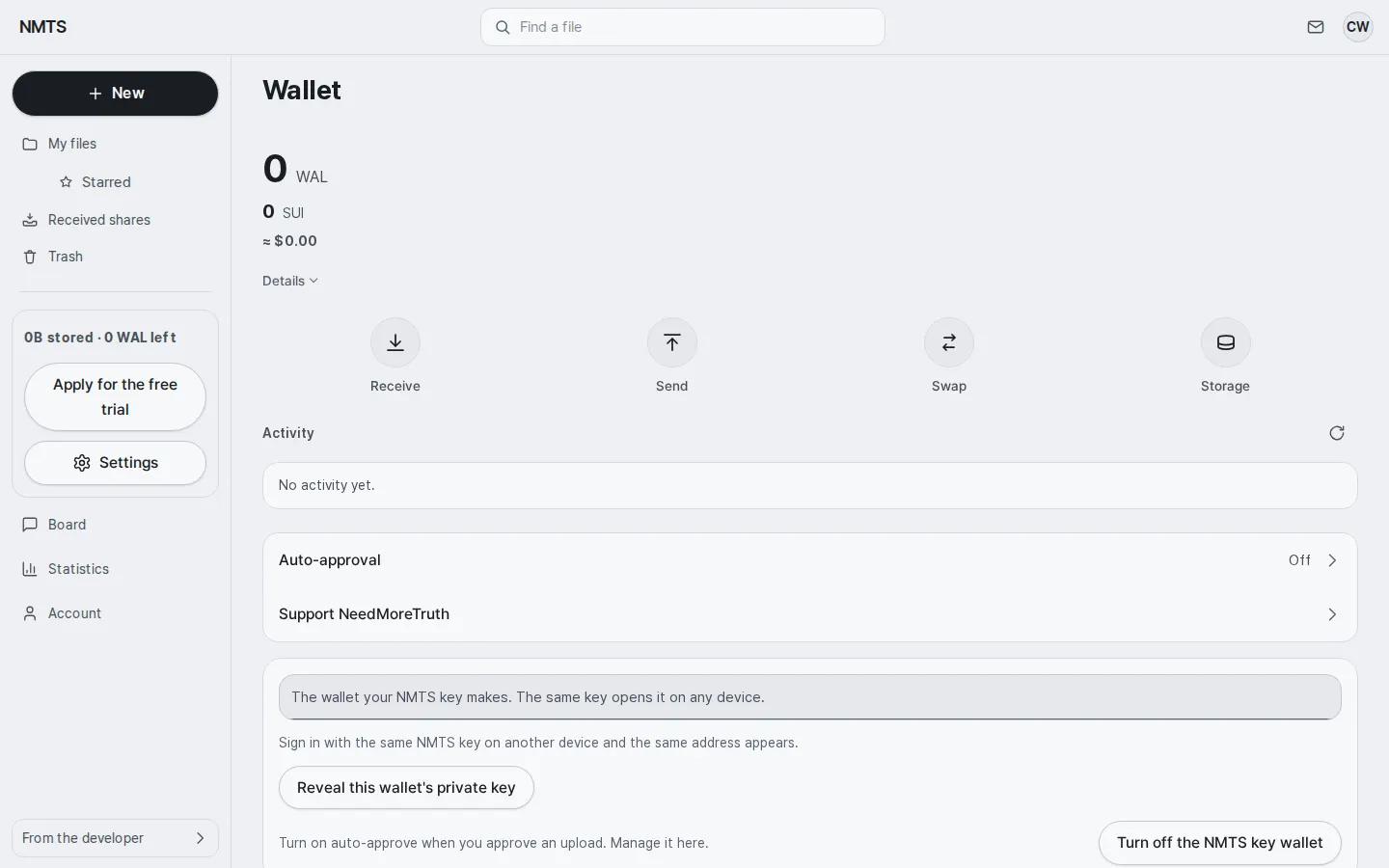
The wallet home is short: the explanations and the two wallet buttons moved to Settings › Wallet and payment, where seven rows open their own pages.
NMTS key wallet, extension wallet, display unit, auto-approval, default payment, export and disconnect each have a page. The display unit you choose (USD, KRW and the others) drives every ≈ line in the app. The free trial is a row on Account and key that opens its own page. The phone walk now fails when a screen exceeds its word budget.
Fixed1
The home no longer stutters on a low-end phone: the 3D folder is drawn only after the page is readable, in a lighter form on a mid-range phone, and not at all on a low-end one or with reduced motion.
Measured on a throttled phone, the page spent up to five seconds in long tasks during its first five seconds, most of it compiling the folder's glass shaders. The device is now graded once per session from its memory, cores and first frames. Sections below the first screen are laid out only when you scroll to them.